
- ✔ Verified by VirusTotal
- ✔ 100% Original Product & Virus-Free
- ✔ Lifetime Free Updates on Single Purchase
- ✔ Unlimited Website Usage
- ✔ Prices in USD (Tax Included)
🔥 Limited-Time Deal — Ends Soon!
MonsterInsights Pro Google Analytics Premium 9.2.4
$199.00 Original price was: $199.00.$2.99Current price is: $2.99.
Instant Access
7 Day Money Back Guarantee
Online Support 24/7
Secure Payment
Description
📊 MonsterInsights Pro – Google Analytics Premium (Latest Version)
This is a GPL-distributed version ✅. No official support. Clean, secure, and legally redistributed under the GPL license.
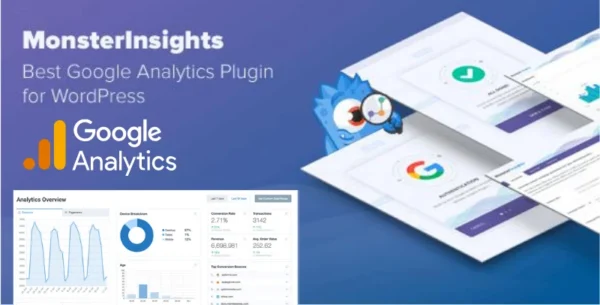
MonsterInsights Pro is the #1 Google Analytics plugin for WordPress trusted by millions of website owners, marketers, and developers. It makes connecting your site to Google Analytics effortless, so you can make data-driven decisions to grow traffic, boost sales, and improve conversions.
🌍 Understand Your Visitors Like Never Before
See exactly where your visitors come from 🌎.
Track devices, browsers, age, gender & interests.
Discover what content engages them the most.
Get real-time analytics right inside your WordPress dashboard.
🔎 Powerful Insights to Improve Your Website
Track how people find your website (keywords, referrals, campaigns).
See what links and buttons users click.
Identify which pages perform best & which need improvement.
Optimize your content for higher engagement & conversions.
🛒 eCommerce Tracking Made Simple
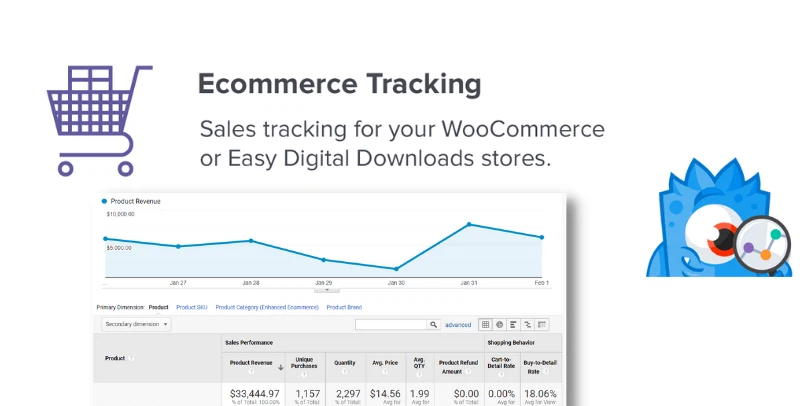
Running an online store? MonsterInsights makes it easy to track all your WooCommerce, Easy Digital Downloads, or MemberPress stats:
✅ Total revenue & conversion rate
✅ Average order value
✅ Best-selling products
✅ Top referral sources
✅ Customer behavior insights
All your key eCommerce metrics in one place – no complex setup required.
⚡ Key Features of MonsterInsights Pro
One-click Google Analytics setup – no coding required.
Enhanced eCommerce tracking for online stores.
Affiliate link & ads tracking.
Form conversion tracking (track leads, signups & more).
Real-time stats to monitor traffic instantly.
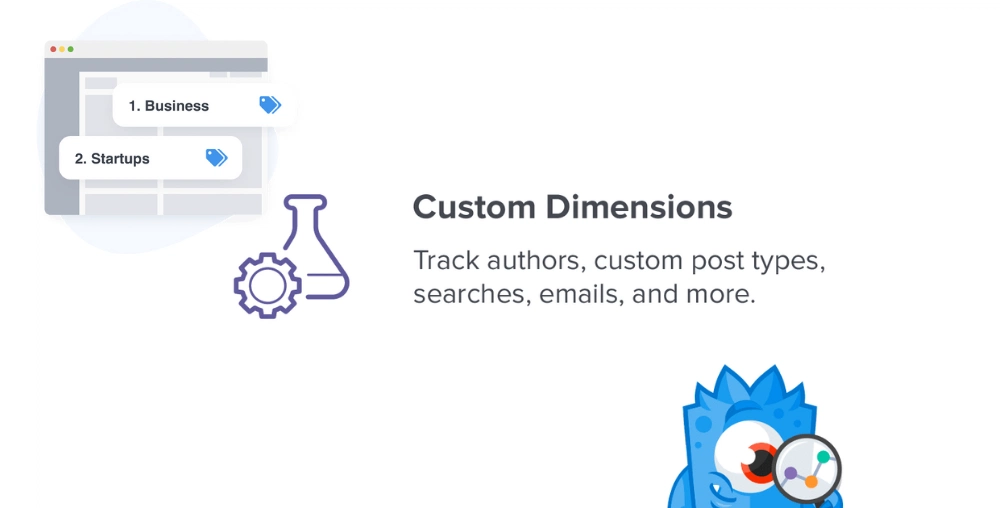
Custom dimensions (authors, categories, tags, logged-in users).
GDPR/CCPA compliance made easy.
Publisher reports for content insights.
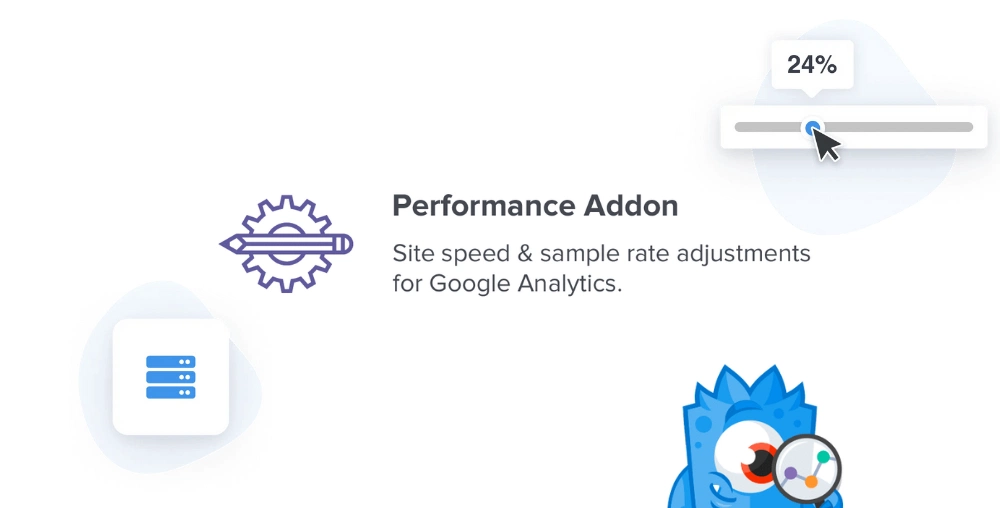
Site speed report 🚀 to optimize performance.
🎯 Why Choose MonsterInsights Pro?
With MonsterInsights Pro, you don’t just collect data – you understand it and act on it. Whether you’re a blogger, business owner, or eCommerce store manager, you’ll have the insights you need to:
Grow traffic 📈
Boost conversions 💰
Maximize ROI on marketing campaigns
Make smarter, faster business decisions
⚡ MonsterInsights Pro is the easiest and most powerful analytics solution for WordPress, giving you Google Analytics insights directly in your dashboard so you can focus on what matters most – growing your business.
Be the first to review “MonsterInsights Pro Google Analytics Premium 9.2.4” Cancel reply
How to Install
Follow these quick steps to install from a .zip file or directly from your WP dashboard.
-
1
Go to Plugins → Add New
In your WordPress dashboard, open Plugins and click Add New.
-
2
Click Upload Plugin
Press Upload Plugin → Choose File and select the downloaded
plugin-name.zip. -
3
Install & Activate
Click Install Now, then Activate. You’re done!
-
4
(Optional) Enter License / Use Shortcode
Open Plugins → Your Plugin → Settings to enter your license. Add the box on the product page with:
[plugin_info_box]
Alternative: Install from WordPress directory
Go to Plugins → Add New, search the plugin name, click Install then Activate.
Manual (FTP) method
Unzip locally → upload the folder to /wp-content/plugins/ using FTP → activate from Plugins.
-
1
Go to Appearance → Themes
Click Add New → Upload Theme.
-
2
Upload the .zip file
Select
theme-name.zip, click Install Now, then Activate. -
3
Install Required Plugins
If prompted, click Begin installing plugins and activate them.
-
4
(Optional) Import Starter Content
Use the theme’s Demo Import (if provided) to load sample pages and settings.
Manual (FTP) theme install
Unzip the theme → upload to /wp-content/themes/ → activate from Appearance → Themes.
Reviews
There are no reviews yet.